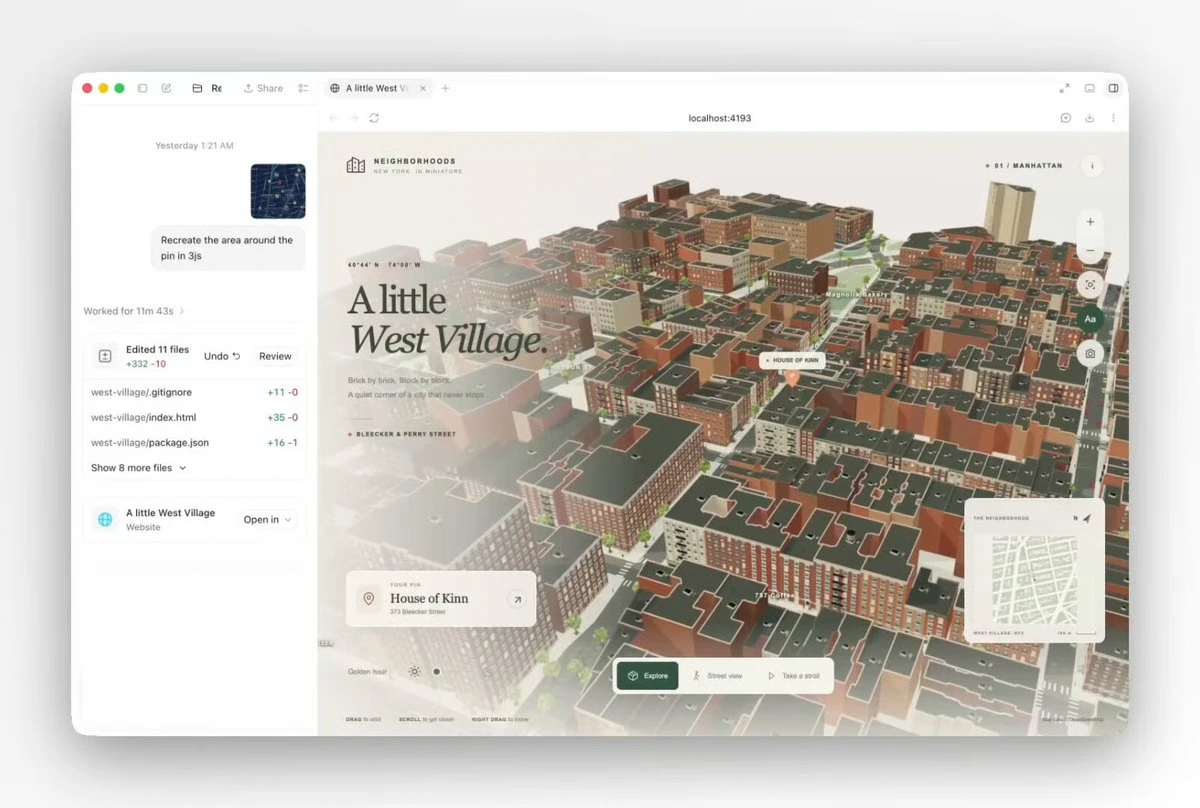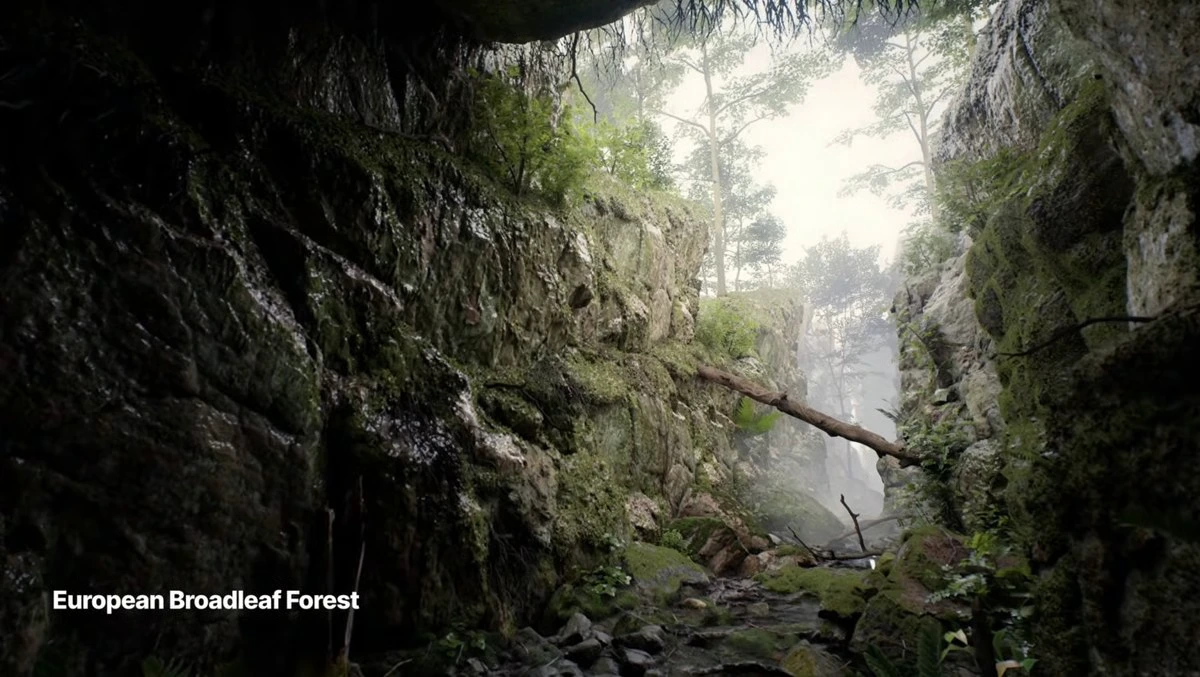
Конструктор обучающих туториалов с 3D симуляциями
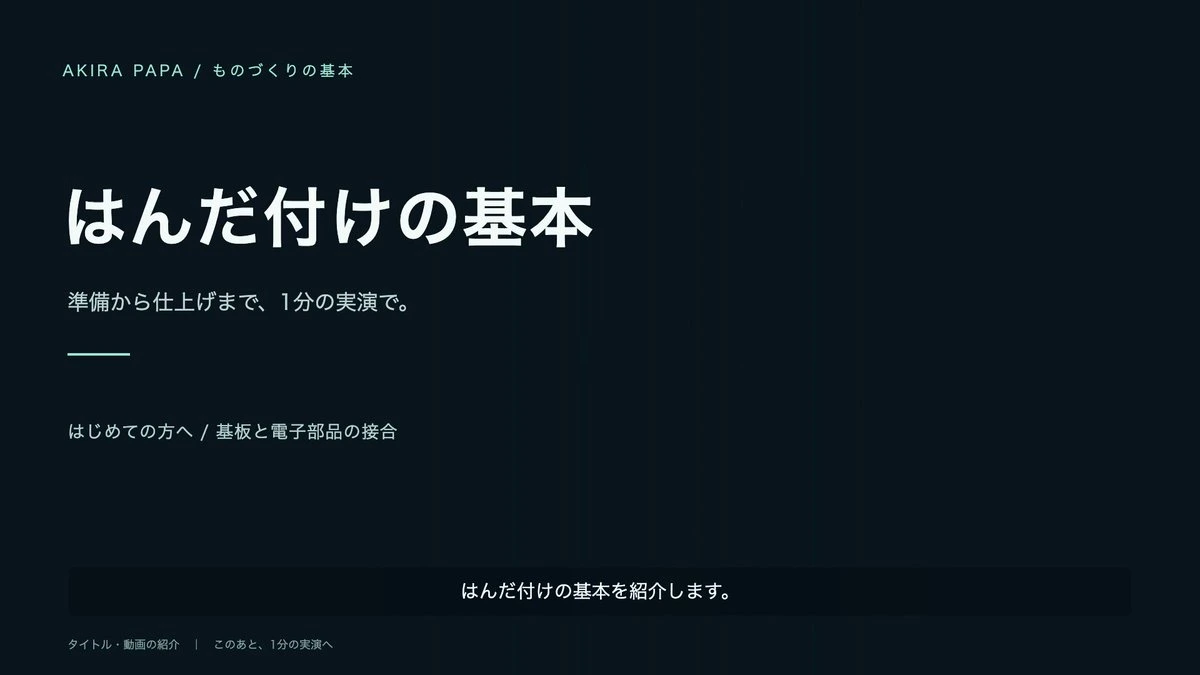
Модель: GPT-6 Astra
Текст шаблона
Theme: {argument name="theme" default="soldering / woodworking joints / pottery shaping"}
Target Audience: {argument name="target audience" default="beginners"}
Goal: {argument name="goal" default="tasks that the viewer should understand"}

Please produce an interactive demonstration and commentary video for this theme using three.js.

First, analyze the user needs and correct sequence, reviewing official or expert documentation. Do not animate inferred movements as the factual baseline.

The structure must go from an independent title screen -> introduction of what is learned -> preparation and safety -> procedure execution -> summary with natural text wrap-up. The entire loop should target roughly 60-90 seconds without rushing the explanation.

Design hands, tools, and materials under shared local coordinates, verifying touch contact points, orientation, object hand-offs, and clipping issues. Close-up shots should be framed around essential movements using realistic textures, reflections, and lights. Avoid unnecessary decorations or awkward unnatural arm poses.

Synchronize Japanese narration and subtitles with the video timeline. Synthetic clone voices should only be activated when authorized and configured properly, and transcriptions should be screened for mispronunciations or omissions.

Execute the complete pipeline: design -> production -> verification of keyframes and collision states -> adjustments -> video rendering export -> final playback check. Resolve overlapping text or broken audio streams, delivering the final MP4 alongside fully editable source code. Clearly specify the differences between presentation CG and physical engine properties, along with parts that require expert validation.
Краткое описание
Структурированная инструкция-черновик для генерации интерактивных демонстрационных видео и симуляций на Three.js для образовательных или технических тренировочных гайдов.